
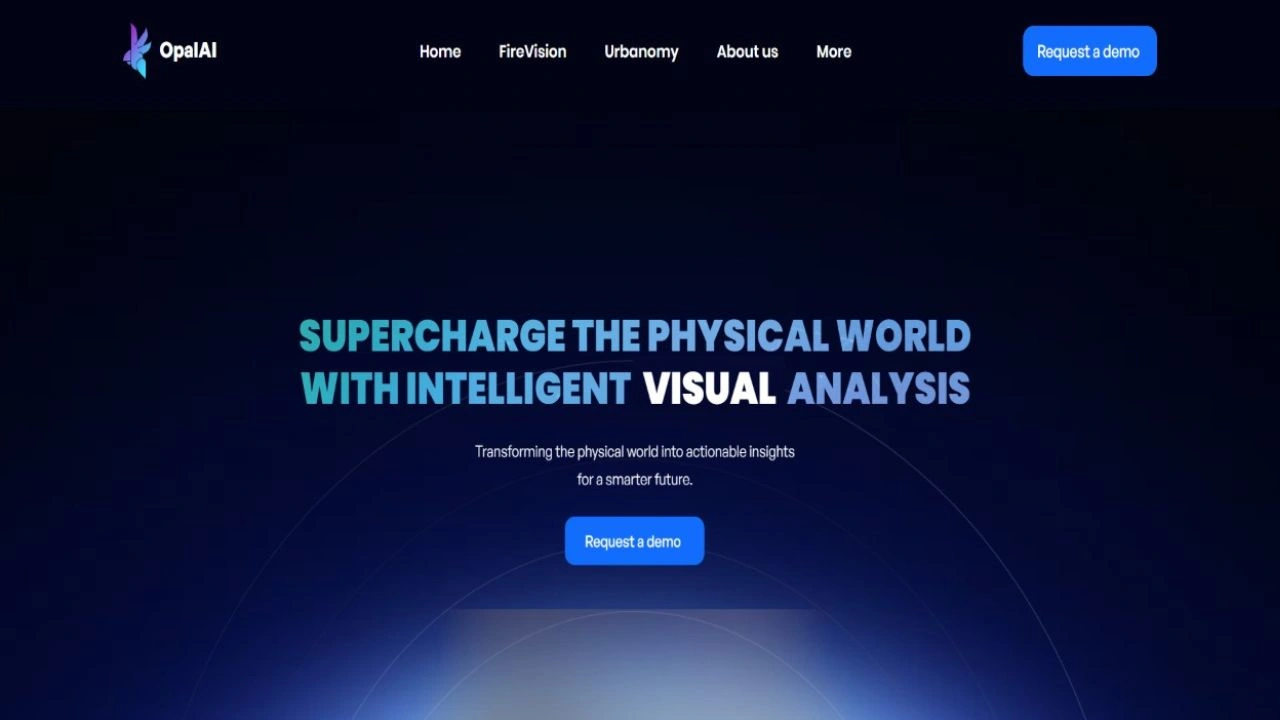
- Overview: Opal AI uses smart spatial tech to create 3D maps, assess fire risks, and manage city assets easily.
- Categories: 3D Models
- Pricing Model: Paid (contact for demo)
What is Opal AI?
Opal AI takes messy real-world data, like 3D scans, videos, satellite images, and maps, and turns it into clear, useful information. It helps cities, insurance teams, real estate companies, and wildfire agencies understand places faster and make better decisions without spending weeks sorting through data.
Key Features:
- Instant Scan to 3D & BIM: Scan a room or building with your smartphone and get editable 3D floor plans back in days, not the month it used to take.
- FireVision Predictive Hazard Mapping: Spots wildfire risk up to 48 hours before it happens, so crews know exactly which homes need protecting first.
- Urbanomy City Asset Tracking: Helps city teams locate, inspect, and organize street-level infrastructure like roads and accessibility barriers.
- Multimodal Opal Intelligence Engine: Blends spatial scans, physics simulations, and live data to catch risks before they become real problems.
- AI-Ranked Decision Support: Doesn’t just hand you raw numbers. It tells you exactly where your money and effort will do the most good.
Who is Using Opal AI?
- Architects & Contractors: Get fast, reliable 3D floor plans without endless manual site surveys.
- Emergency Responders & Fire Services: Lean on hazard predictions to get ahead of wildfires and protect communities.
- City & Urban Planners: Inventory street assets and prioritize which repairs matter most.
- Utility Companies: Watch for overgrown trees and fire risk near power lines.
- Property & Insurance Adjusters: Score home risk and speed up evaluations with quick spatial scans.
What makes Opal AI Unique?
- Backed by NASA: Opal AI has received over $1 million from NASA’s SBIR program to build out FireVision, plus support from the National Science Foundation.
- True Spatial Intelligence: Goes way past flat 2D photos, building full physics-based world models you can actually explore.
- Pre-Ignition Hazard Spotting: Predicts structure-level fire risk up to 48 hours before it strikes, not just after flames appear.
- Crazy Fast Turnaround: Complex 3D floor plans in a couple of days, down from a full month.
- Physics Meets AI: Real-world data plus physics simulation means predictions are grounded in reality, not just guesses.
Use Cases of Opal AI
People love Opal AI for creating instant 2D/3D floor plans and digital twins of buildings, predicting wildfire risks so teams can protect homes early, mapping city streets and assets to fix the biggest problems first, generating BIM models from simple scans for design work, and building virtual tours that make spaces easy to explore and share.
Opal AI Alternatives
- RoomSketcher
- Foyr Neo
- Polycam
- FloorPlanner
- Houseplans
How we rated it:
- Overall: 4.6/5
- Pricing: 4.2/5
- Features: 4.8/5
- Ease of use: 4.5/5
- Value for money: 4.6/5
- Customer support: 4.4/5
FAQs
-
What does Opal AI actually do?
Opal AI turns photos and mobile scans of real-world physical spaces into accurate 3D models, CAD floor plans, and predictive risk maps.
-
Can I create 3D floor plans using my phone with Opal AI?
Yes, you can use their ScanTo3D app on your mobile device to scan a space and receive ready-to-use 3D building models.
-
Is Opal AI accurate enough for wildfire prediction?
Definitely. Its FireVision system uses advanced AI backed by NASA research to forecast property-level fire risks 48 hours in advance.
-
How long does it take to get 3D files back?
While traditional manual surveying takes up to a month, Opal AI delivers finished 3D floor plans and models in about 2 days.

Submit Your Tool
#1 Best and Most Affordable AI Tools DirectoryDevelopers and advertisers can share their AI tools on Openopediaai AI to reach a bigger audience. By listing your tool with us, you’ll get more visibility and help more people discover your product. You’ll also support the growth of the AI industry by making powerful tools easier for everyone to find and use!