
If you run a blog, YouTube channel, online course, or any kind of marketing campaign, you already know one thing people prefer watching over reading. Videos keep users engaged, increase watch time, and help your content reach more people.
But creating videos is not always easy.
Traditional video editing takes hours. You need software skills, a voice recording setup, stock footage, and patience. For many creators, this becomes the biggest barrier.
This is where an AI script to video generator changes everything.
Instead of spending hours editing, you simply paste your script into a tool. The AI turns your text into a complete video. It adds visuals, subtitles, background music, and even voice narration automatically.
No complex tools. No editing stress.
If you want to create videos faster and grow your content without technical headaches, this guide will help you find the best AI script to video generator tools that are free and easy to use.
Quick Comparison Table
| Tool | Free Plan | Best For | Ease of Use | Main Strength |
|---|---|---|---|---|
| InVideo | Yes | Social media & marketing | Easy | Templates + AI |
| Synthesia | Demo | AI avatar presenter videos | Easy | Professional training |
| Pictory | Trial | Faceless YouTube videos | Very Easy | Script automation |
| Lumen5 | Yes | Blog to video conversion | Easy | Content repurposing |
| Runway | Yes | Creative AI video editing | Medium | Advanced AI tools |
What is an AI Script to Video Generator?
An AI script to video generator is a tool that turns your written text into a video.
You write the script. The tool does the editing.
It reads your content and automatically creates scenes around it. You don’t need to drag clips on a timeline or record your own voice.
Most tools usually:
- Split your script into small scenes
- Add matching visuals for each line
- Create an AI voiceover
- Add subtitles
- Include background music
All this happens in just a few clicks.
These tools use advanced AI technology similar to systems developed by OpenAI and Google. Their research in language and multimodal AI makes it possible for software to understand text and match it with relevant visuals.
In simple words, you can turn a blog post or script into a full video in minutes.
No complex editing.
No technical stress.
Why AI Script to Video Tools Matter
Video dominates digital platforms. YouTube prioritizes watch time. Instagram and LinkedIn promote native video posts. Google also displays video content in search results and Discover feeds.
For creators and marketers, producing video consistently can be difficult. Hiring editors increases cost. Learning professional software requires time.
AI script to video generators reduce those barriers. They allow content creators to:
- Produce videos faster
- Lower production costs
- Repurpose blog posts into videos
- Maintain consistent publishing schedules
- Scale content strategies
Instead of spending hours editing manually, you focus on writing a clear and helpful script.
The Best AI Script to Video Generator Tools
1. InVideo
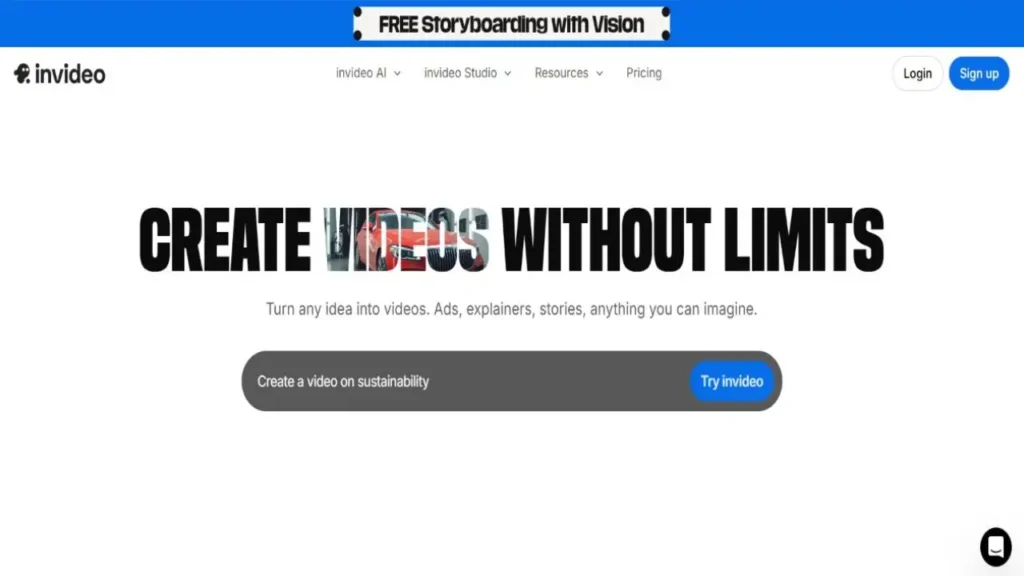
InVideo combines AI automation with structured templates. This approach provides guidance while maintaining flexibility.
Instead of starting from a blank editor, you select a template that fits your content type. The AI then organizes scenes based on your script. You can modify layouts, replace visuals, and adjust text placement.
InVideo supports multiple formats, including vertical videos for social media and horizontal formats for YouTube. The platform also includes a built in stock media library and voiceover generation features.
Key Features:
- AI text to video generator
- Template based editing
- Stock media library
- Voiceover options
- Social media export formats
This tool works well for marketing videos, short form content, and promotional material.
2. Synthesia

Synthesia takes a different approach by focusing on AI avatars instead of stock footage. You type your script, select a digital presenter, and generate a professional video.
This model suits businesses and educational institutions. Instead of hiring presenters or filming training sessions, organizations can produce instructional videos quickly.
Synthesia supports multiple languages, making it practical for global teams.
Key Features:
- AI avatars
- Multi language support
- Professional templates
- Script based workflow
If your goal involves corporate training or online education, this tool provides a structured and polished output.
3. Pictory

Pictory specializes in converting scripts and blog posts into videos. It works especially well for faceless YouTube content and educational videos.
When you paste your script, the platform divides it into scenes automatically. It selects relevant stock visuals and adds subtitles without manual input. You can review each scene, replace visuals, and adjust timing easily.
The interface remains simple and beginner friendly. Even users with no editing background can navigate the dashboard comfortably.
Key Features:
- Script to video automation
- Blog URL import
- AI voiceover options
- Automatic captions
- Integrated stock footage
Pictory suits creators who already write blog content and want to convert it into video format efficiently.
4. Lumen5
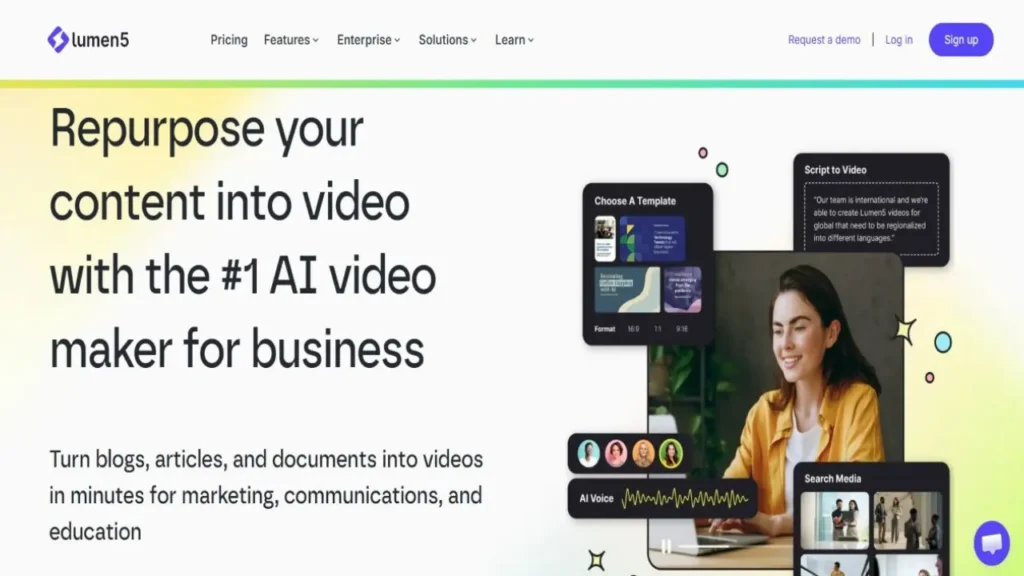
Lumen5 focuses on turning blog posts into videos. You can paste a URL, and the system extracts key sentences automatically.
The platform organizes those sentences into scenes and matches them with relevant visuals. You can edit text, adjust layouts, and customize brand colors.
This makes Lumen5 suitable for content marketers and SEO professionals who want to extend the reach of written articles.
Key Features:
- Blog to video conversion
- Drag and drop editor
- AI scene suggestions
- Branding customization
It simplifies content repurposing without requiring technical editing knowledge.
5. Runway
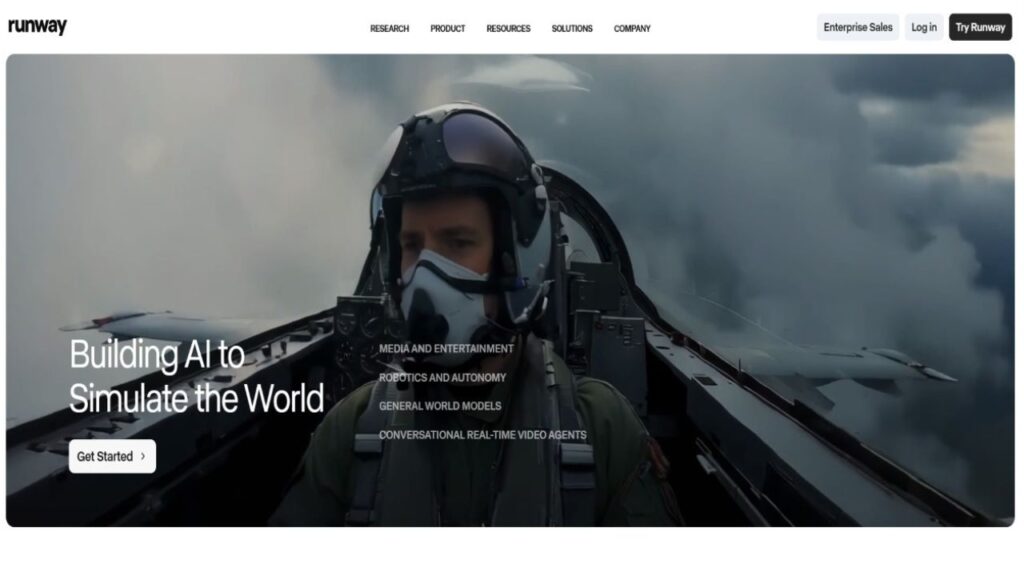
Runway provides advanced AI powered editing features. While it supports text to video generation, it also includes background removal, motion tools, and visual effects.
Unlike fully automated platforms, Runway offers more creative control. Users can experiment with cinematic elements and refine visual output.
This tool suits designers and creators who want flexibility beyond standard automation.
Key Features:
- Text to video generation
- AI editing tools
- Background removal
- Motion effects
It requires slightly more learning compared to beginner focused platforms, but it offers stronger creative capabilities.
How to Choose the Right AI Script to Video Generator
Choosing the right AI script to video generator is not about picking the most popular name.
It’s about picking what fits your goal.
Before anything else, ask yourself:
What kind of videos do I want to create?
If you run a faceless YouTube channel and want fast videos from written scripts, tools like Pictory or InVideo can make your work much easier.
These platforms focus on automation. You paste your script, and the system builds scenes, adds visuals, and creates a voiceover for you.
If you need professional training videos with a presenter on screen, Synthesia is a better option. It creates AI avatar videos that look clean and business ready. This works very well for online courses, tutorials, and company training.
If you already write blog posts and want to convert them into videos without rewriting everything, Lumen5 can save serious time. You import your article, and the tool organizes it into scenes automatically.
And if you care about creative freedom and want to experiment with visuals and effects, Runway gives you more control. It takes a little learning, but it offers stronger editing features.
The best advice?
Start with free plans.
Test how fast the tool works. See if the dashboard feels simple. Watch the final video carefully and check the quality.
When a tool feels smooth, saves time, and matches your workflow, that’s your tool.
Choose based on your needs, not just hype.
SEO Benefits of AI Script to Video Generators
AI video tools can improve your visibility but only if you use them smartly.
When you turn your blog posts into videos, your content doesn’t stay in just one place anymore. It spreads.
You can:
- Embed videos inside your articles
- Upload them to YouTube
- Share them on Instagram, LinkedIn, or Facebook
- Keep users on your page longer
More platforms mean more chances to get noticed.
Google likes helpful and well structured content. If your script is clear and your video adds real value, people stay longer. That improves engagement. Over time, this builds trust and authority.
But remember one thing.
AI does not guarantee rankings.
The tool helps with speed. Rankings still depend on quality, clarity, and usefulness.
Write better scripts. Solve real problems. Use AI as support.
That’s how you win in search.
Common Mistakes to Avoid
AI saves time. That’s true.
But if you publish without checking things properly, it can hurt your content.
Automation is helpful, not perfect.
Here are mistakes you should avoid:
- Publishing videos without checking the visuals
- Using a robotic or unnatural AI voice
- Forgetting your brand colors, logo, or style
- Creating repetitive or low value content
Many creators trust the AI too much and skip the final review. That’s risky.
Always watch your full video before publishing.
Ask yourself:
Does this look professional?
Does it solve the viewer’s problem?
Does it match my brand style?
AI builds the video.
You are responsible for the quality.
Never skip that last check.
Final Thoughts
AI script to video generator tools make video creation simple. They remove technical stress and let you focus on your ideas.
If you run a blog, YouTube channel, or marketing campaign, these tools can save time and help you grow faster.
Choose a tool that fits your goal. Test free versions first. Always write clear and valuable scripts.
AI handles the production.
You control the message.
And in digital content, clarity and value always matter most.

Submit Your Tool
#1 Best and Most Affordable AI Tools DirectoryDevelopers and advertisers can share their AI tools on Openopediaai AI to reach a bigger audience. By listing your tool with us, you’ll get more visibility and help more people discover your product. You’ll also support the growth of the AI industry by making powerful tools easier for everyone to find and use!